Quick prompt-based edits
Describe the change you want in plain language and get to a usable result faster.
AI Art Model
Best for fast image generation, stable subjects, and everyday creative work.
Pick a style lane, then tune your prompt from there.
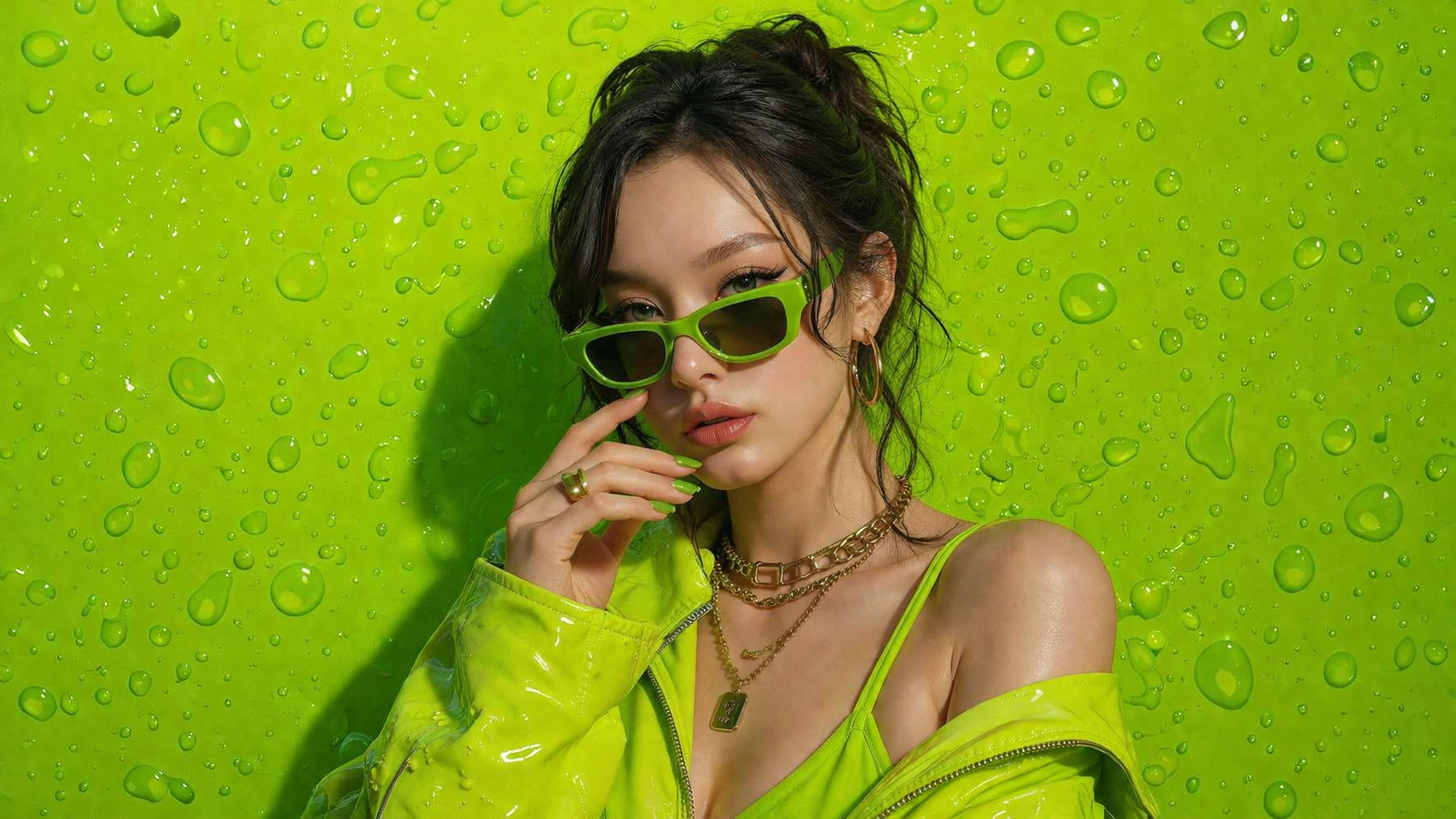
No design skills. No complicated tools. Just type, click, and create high-quality AI images instantly.
Join thousands of creators already using Orange Cat AI
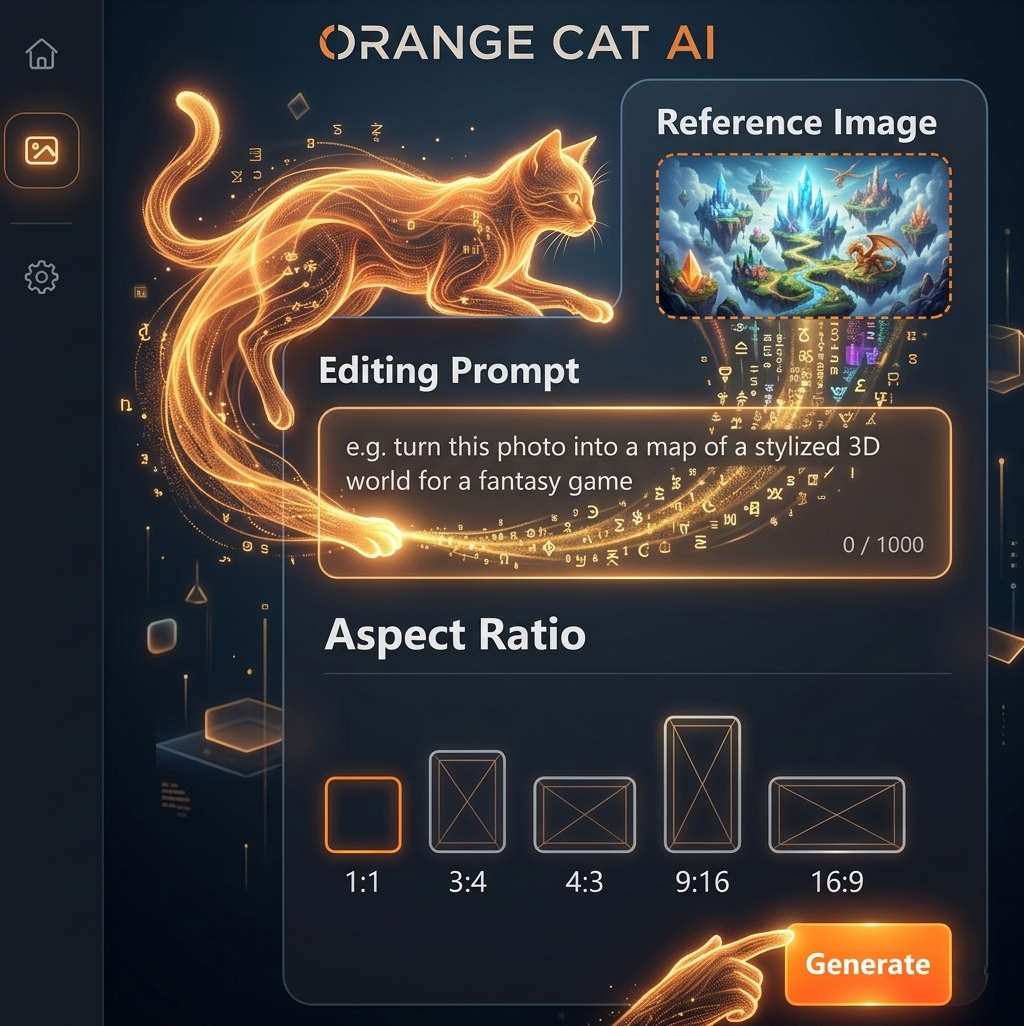
Spending hours designing from scratch
Switching between multiple tools
Paying expensive designers
Orange Cat AI changes everything.
With just a simple prompt, you can generate professional-quality images in seconds — no experience needed.
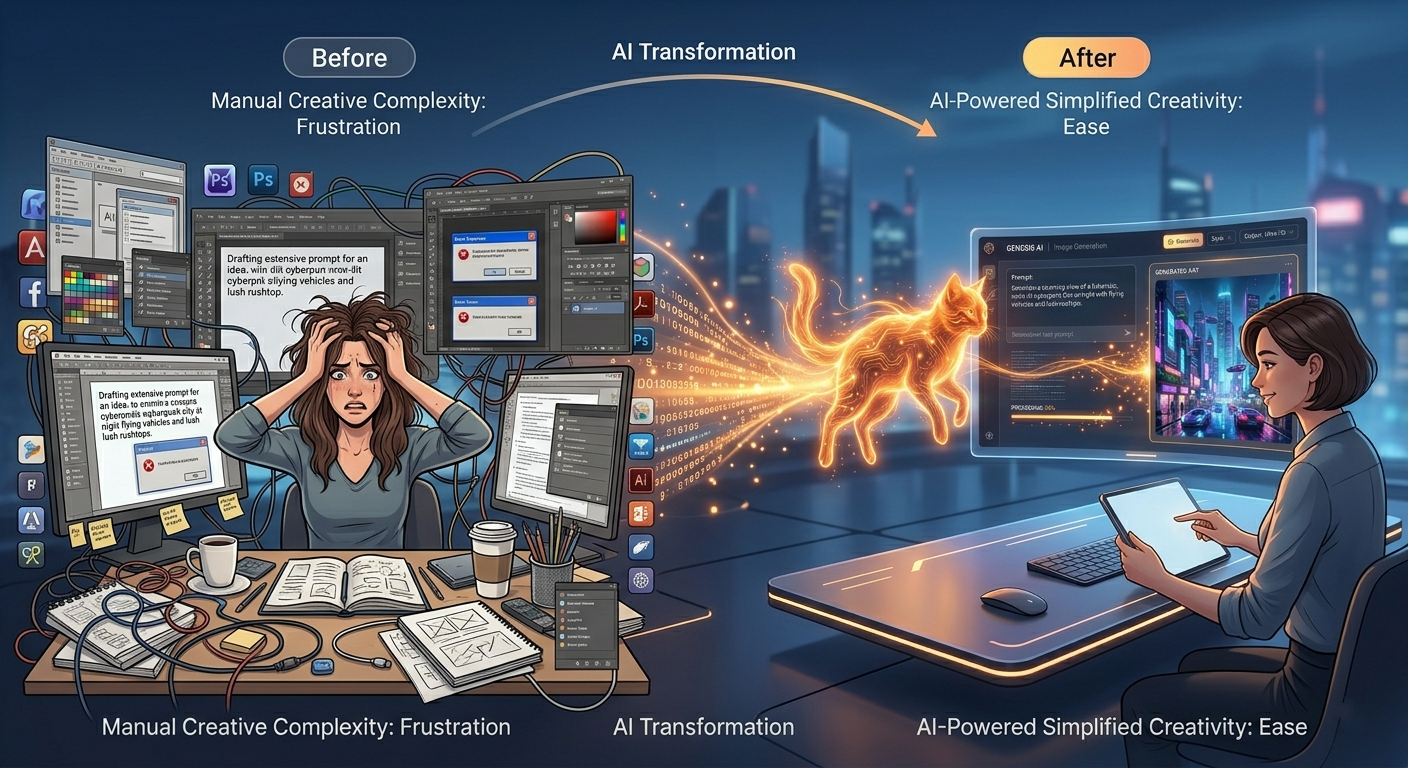
AI Image Generation
AI image generation uses advanced machine learning models to turn text into stunning visuals. Simply describe what you imagine — and AI will bring it to life in seconds.
From realistic photos to digital art, the possibilities are endless.
No design skills required. Just your imagination.
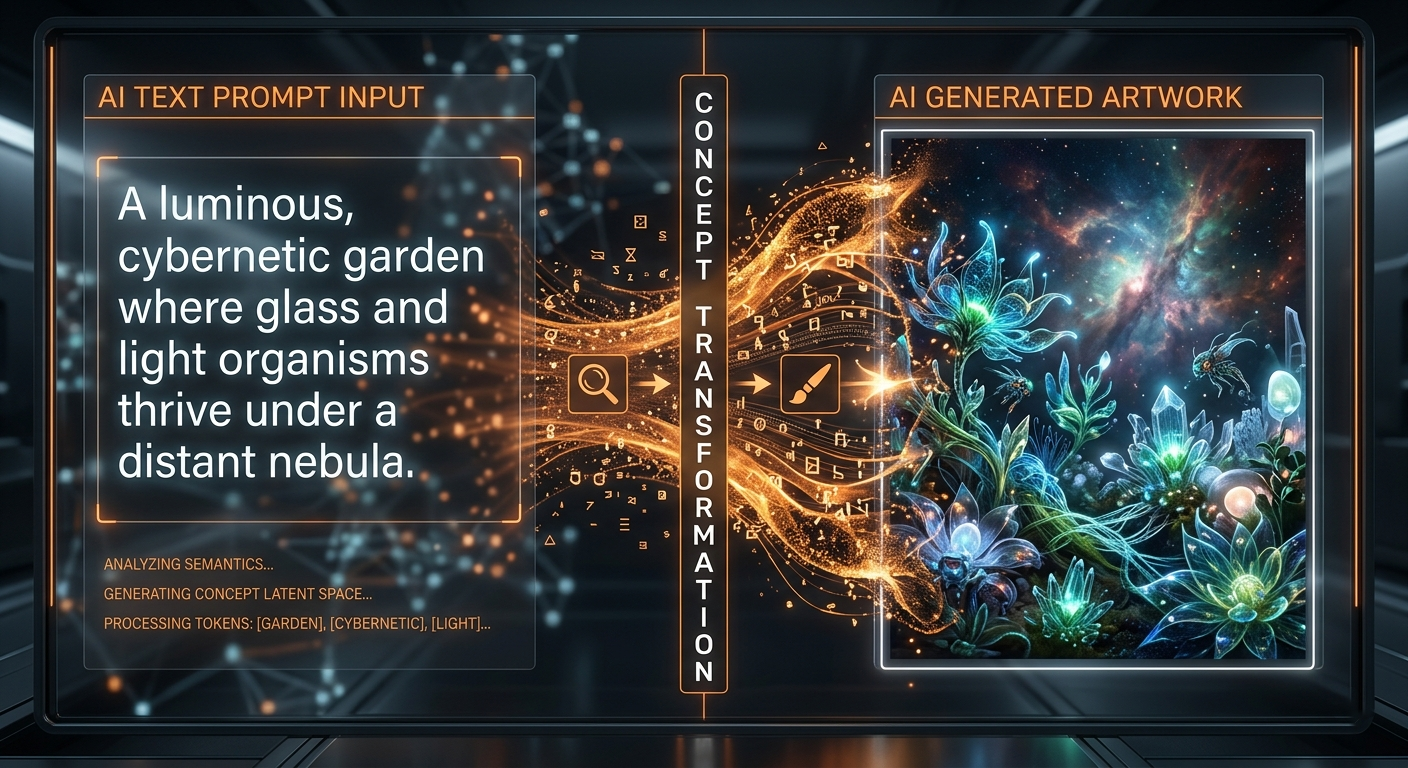
Nano Banana 2 Editor
Use Nano Banana2 to edit reference images with short prompts, keep the main subject stable, and move from idea to polished result without a heavy workflow.
Describe the change you want in plain language and get to a usable result faster.
Keep faces, objects, and core composition more stable while changing style or details.
A practical fit for social visuals, marketing images, concept drafts, and rapid experiments.
Good for polishing ecommerce images, replacing simple backgrounds, and making fast adjustments without rewriting the whole scene.
Useful when you want to preserve a subject while changing styling, color mood, wardrobe details, or lighting direction.
A practical choice for teams that need many quick image revisions for ads, social posts, and landing pages.
Step 1
Start with a product shot, portrait, illustration, or any image you want to refine.
Step 2
Ask for style changes, background swaps, detail cleanup, or a fresh visual direction.
Step 3
Create the result, compare versions, and keep iterating until the image feels right.
Keep the subject and camera angle the same, replace the background with a warm minimal studio set, soft shadows, premium product photography.
Preserve the face and pose, refine the lighting, clean the skin naturally, and add a modern editorial fashion look.
Keep the original composition, brighten the scene, improve color contrast, and make the image feel clean, polished, and ad-ready.
Nano Banana2 works best when you want fast edits, stable subjects, and practical results for everyday creative production.
It is stronger as a practical editing model than a wild exploration model, especially when you want controlled changes from an existing image.
Designers, marketers, ecommerce teams, and creators who need quick iterations with less drift will usually get the most value from it.