Detailed visual language support
Works well with prompts that include art direction and scene constraints.
AI Art Model
Turn Your Ideas Into Stunning Images — In Seconds
Pick a style lane, then tune your prompt from there.
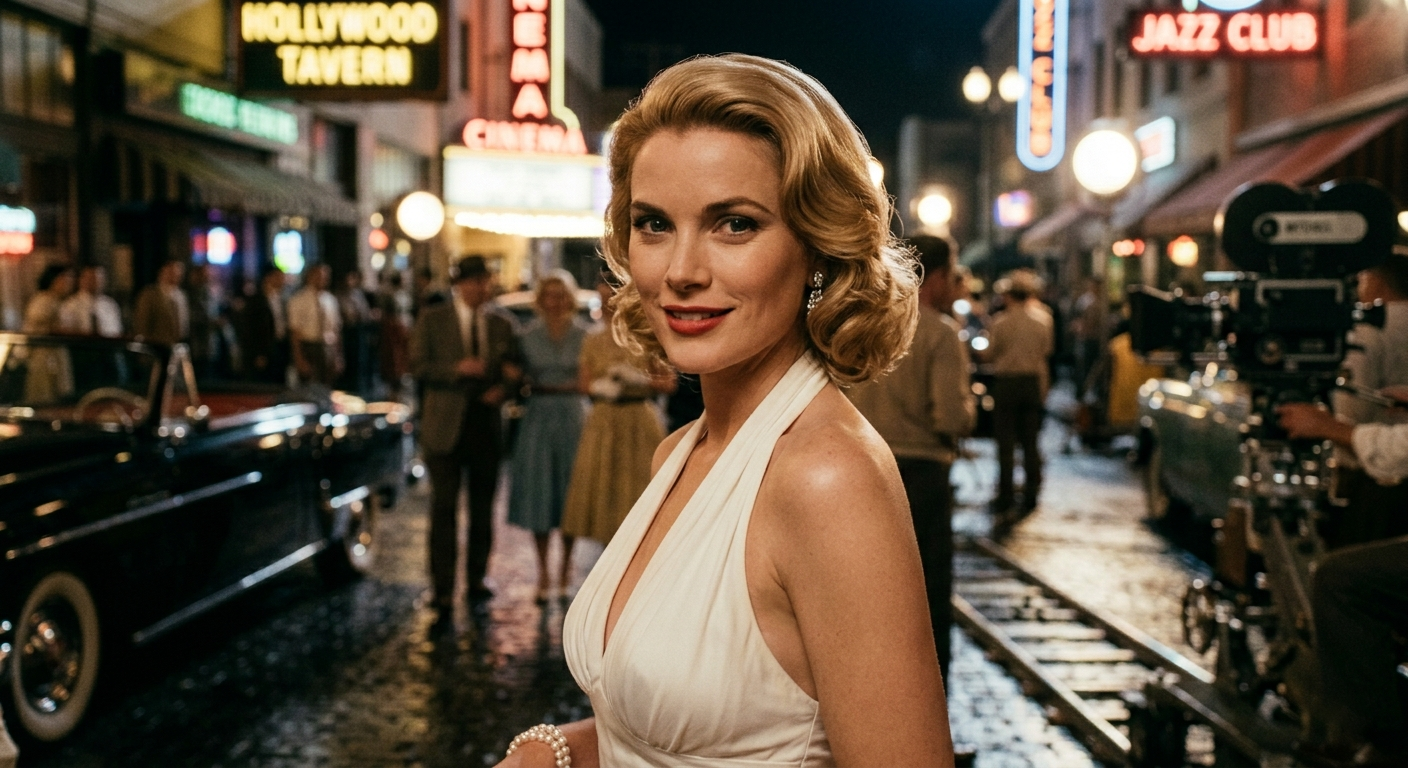
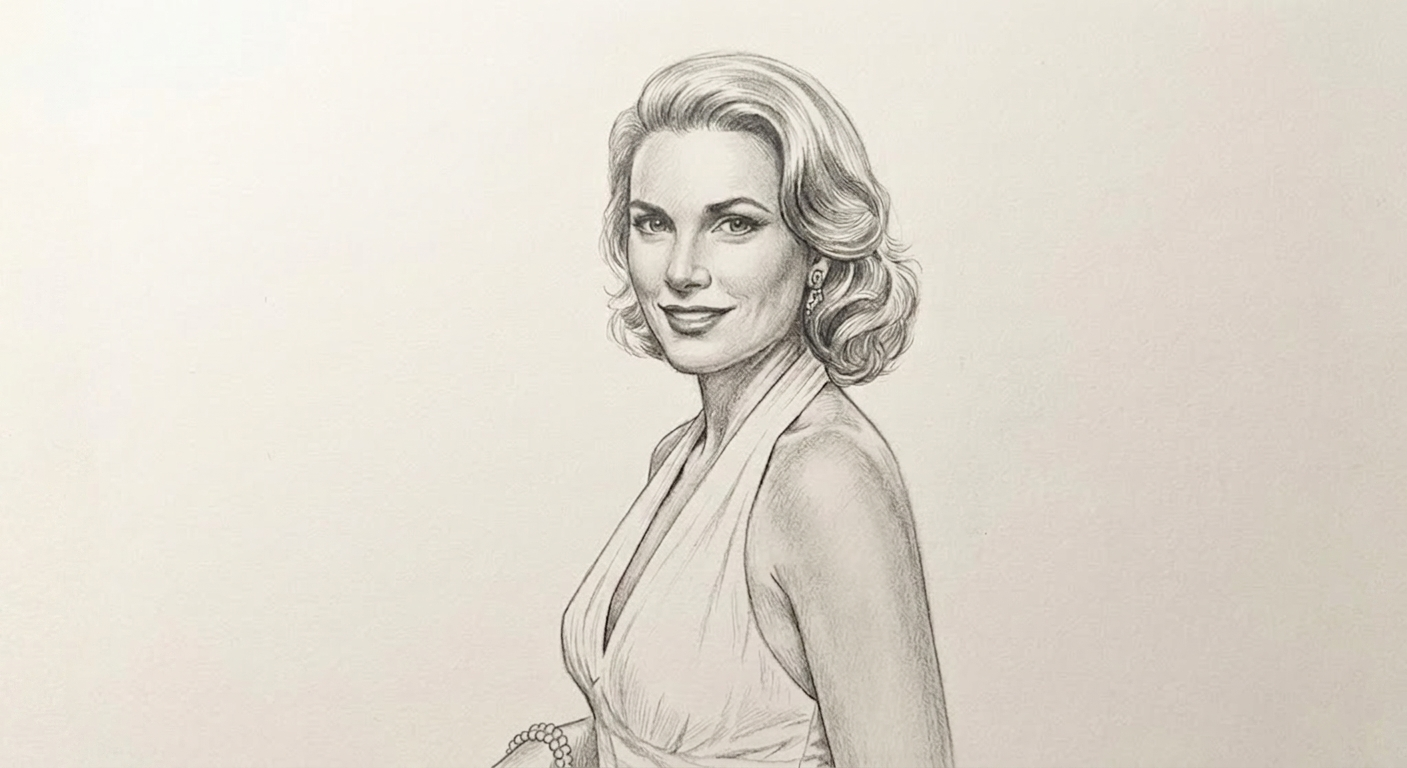
Drag the handle to compare the result
Turn simple text prompts into stunning, high-quality visuals instantly. No design skills needed—just describe what you want and watch it come to life.
Join thousands of creators already using Orange Cat AI
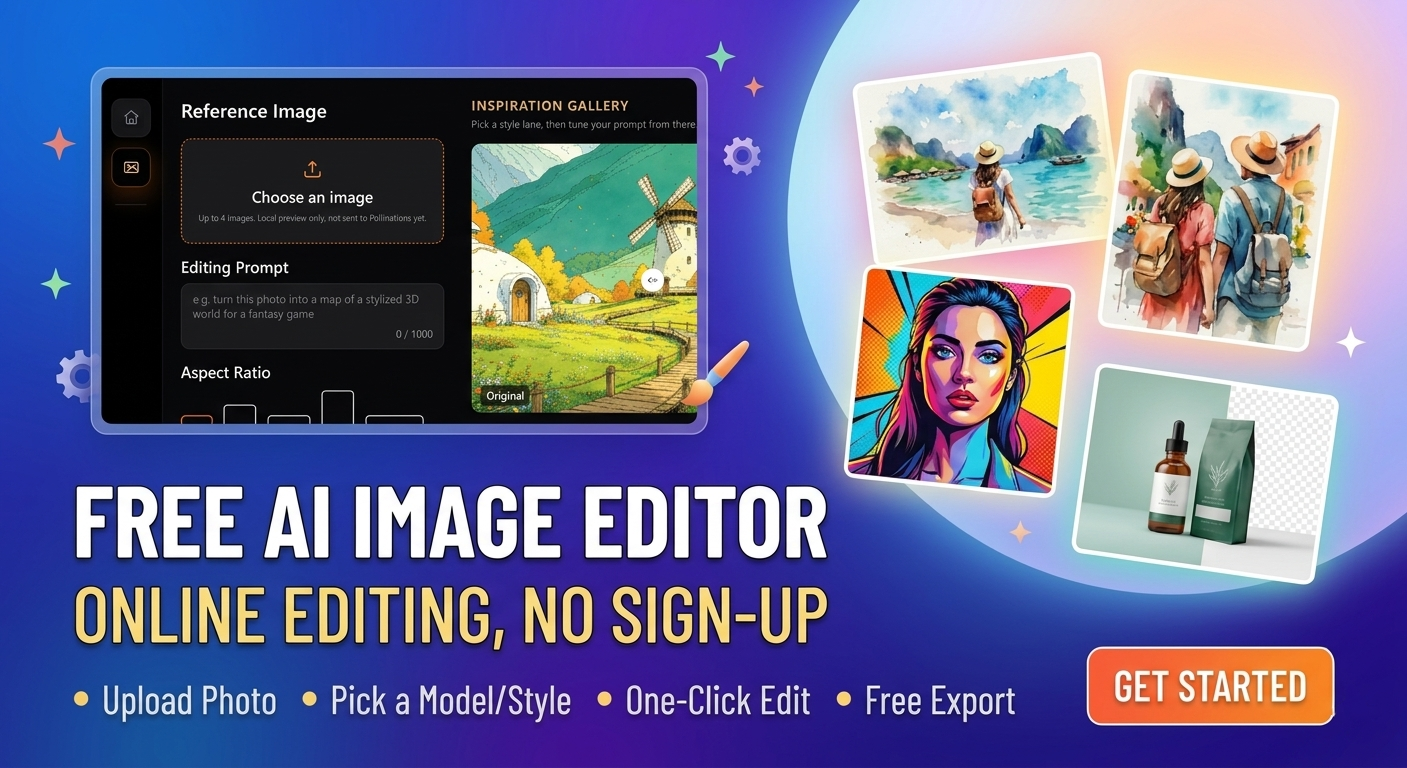
Precision control that understands complex prompts
High-fidelity outputs with rich detail and texture
Nuanced style adjustments in real time
Reliable performance for professional-grade projects
Professional-grade AI, zero learning curve.
From product photography to digital art, GPT Image 2 delivers polished, production-ready visuals that match your intent — no design experience required.
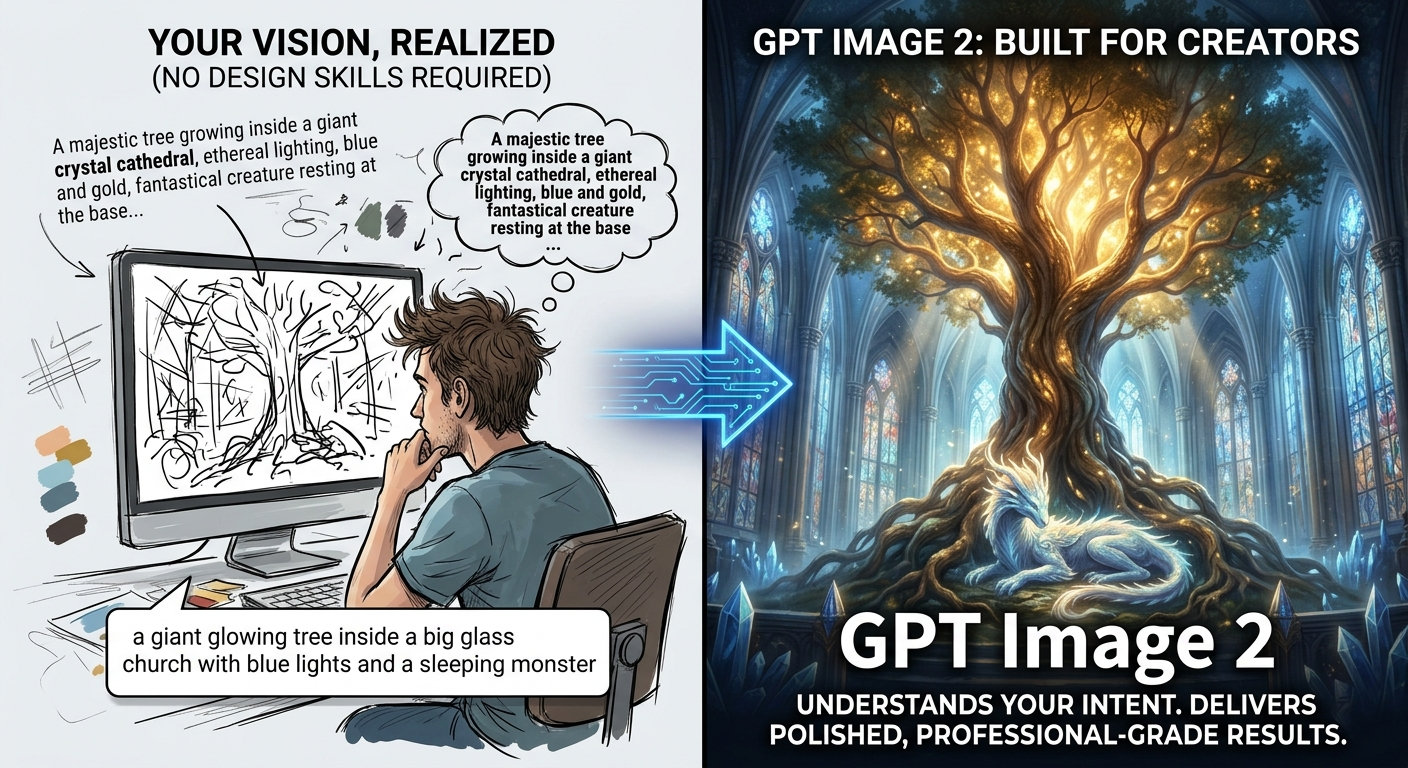
Professional AI Images in Seconds
Built for creators who need more than "good enough." GPT Image 2 interprets complex prompts with nuance, delivering polished, professional-grade images that match your exact vision.
From product photography to digital art, explore endless creative possibilities with AI that truly understands your intent. Every detail — lighting, composition, texture — is handled intelligently so you can focus on the creative direction.
No design skills required. Just your imagination.
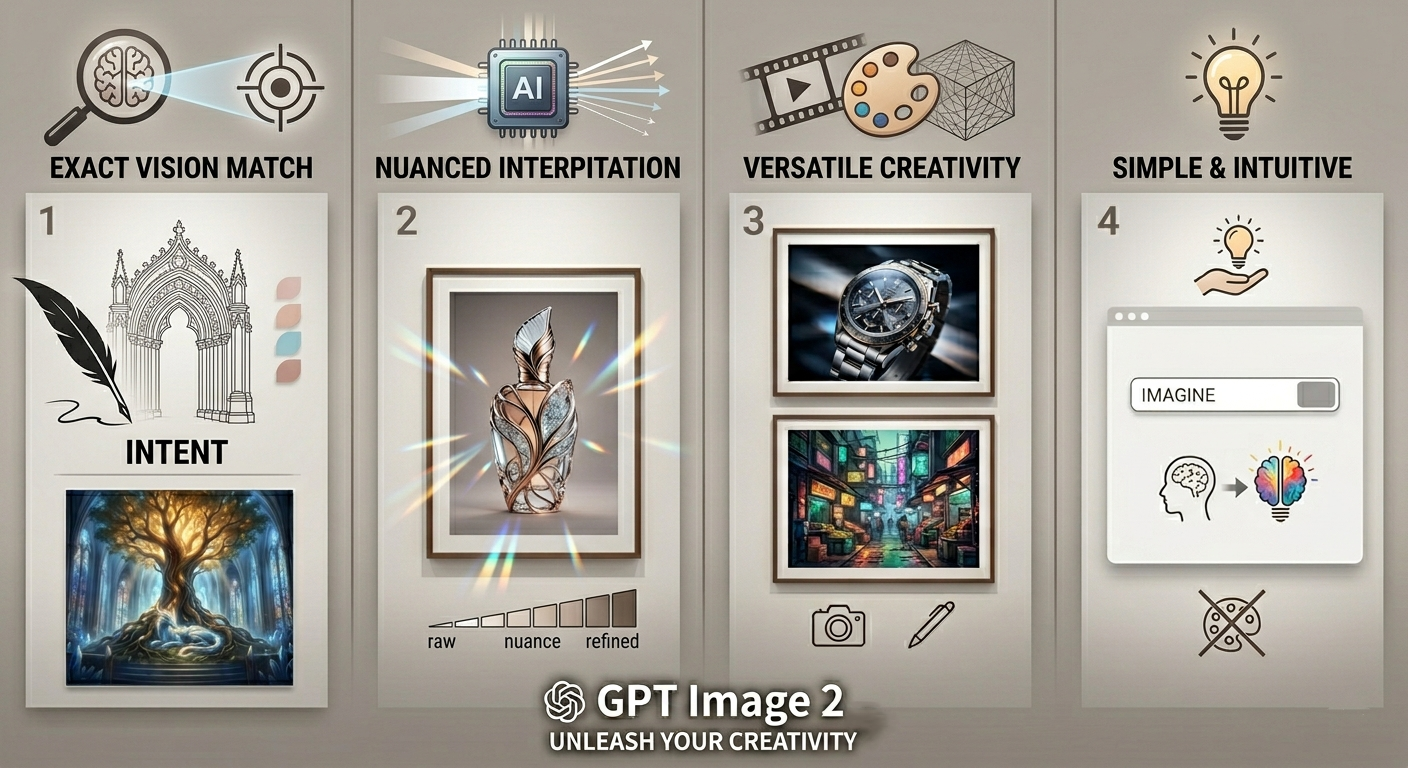
GPT Image 2 Workspace
Use GPT Image 2 when you need higher image fidelity and stronger alignment to prompt intent.
Works well with prompts that include art direction and scene constraints.
Helps maintain style quality across campaigns and content sets.
Suitable for key visuals, product storytelling, and launch materials.
Build high-quality concepts for launches, ads, and seasonal campaigns.
Create nuanced story-driven imagery with strong composition control.
Generate polished visuals for ecommerce hero sections and social creatives.
Step 1
Write target audience, mood, composition, and visual constraints.
Step 2
Test multiple versions with controlled prompt changes.
Step 3
Lock the strongest option and export for publishing.
Create a premium skincare campaign hero image, soft daylight, matte stone textures, minimal palette, elegant negative space for headline copy.
Generate a cinematic beverage key visual with reflective black surface, dramatic rim light, rich amber highlights, advertising-grade detail.
Produce an editorial portrait with moody studio lighting, crisp fabric detail, high-contrast monochrome palette, magazine cover composition.
It is best for high-fidelity outputs where nuanced prompt interpretation and visual detail are top priorities.
It focuses more on precision and quality depth than pure generation speed.
Brand teams, art directors, and creators who need controlled, premium-quality image outputs.