Exploration-first output
Strong for early-stage ideation where quantity and variety matter.
AI Art Model
Best for style exploration, creative divergence, and prompt-led iteration when you need broad visual variety.
Pick a style lane, then tune your prompt from there.
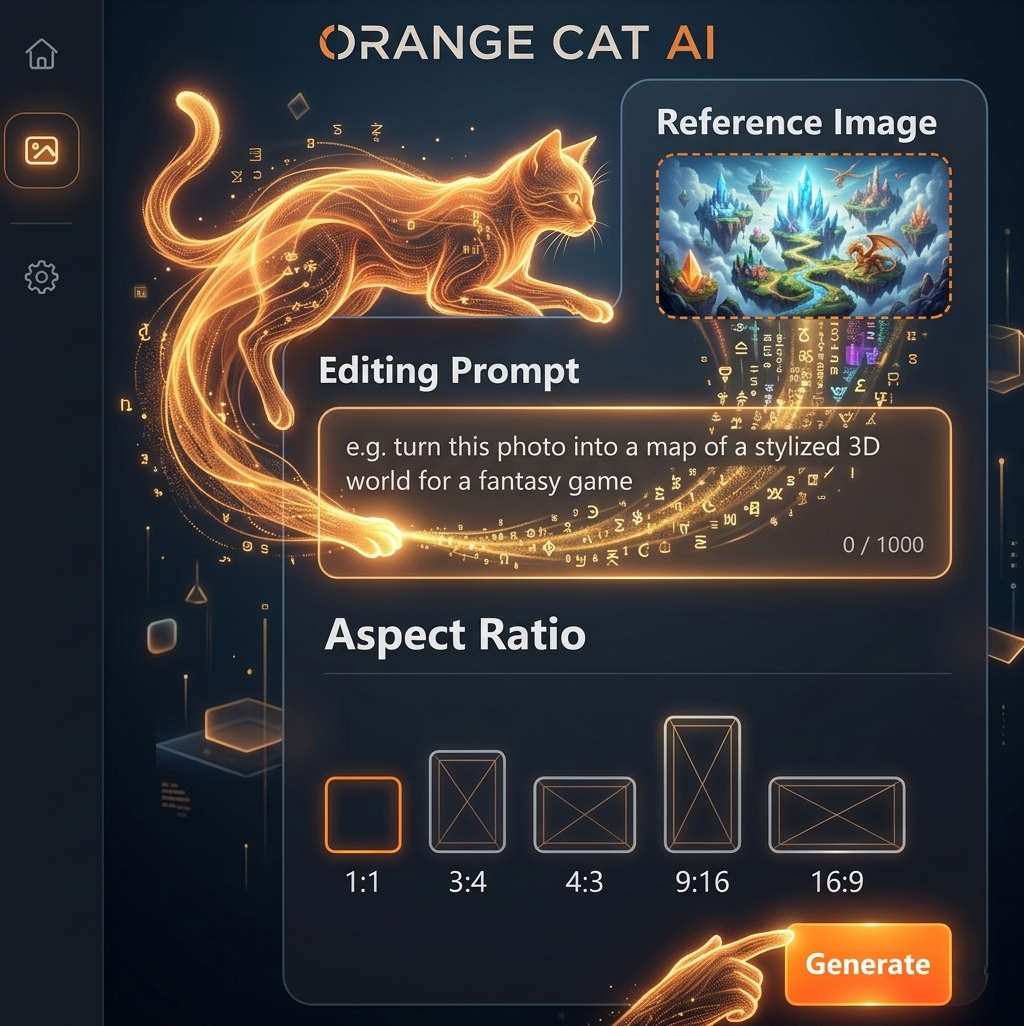
Use the AI image editor to create stunning results in seconds: upload, pick a model, try templates or styles, edit on one page, and export for free.
Join thousands of creators already using Orange Cat AI
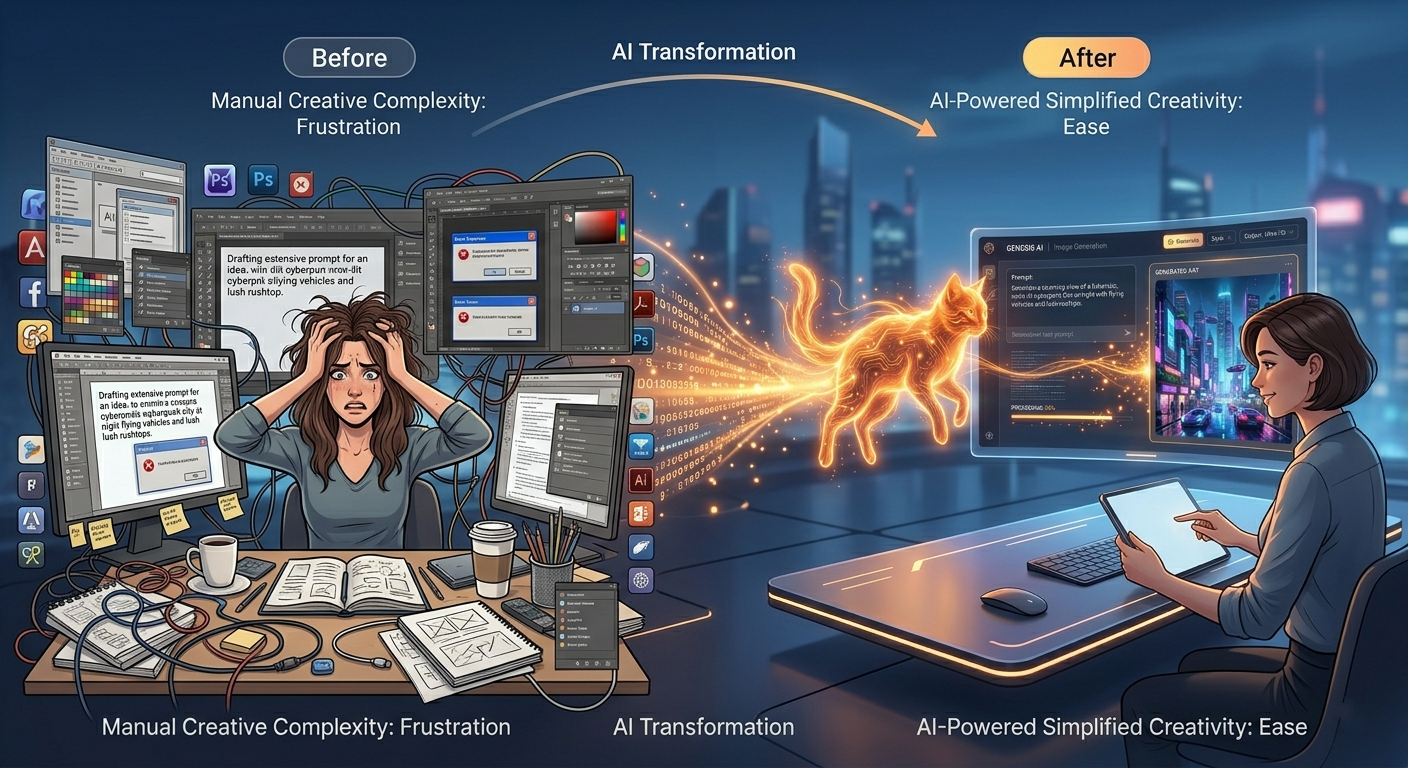
Spending hours designing from scratch
Switching between multiple tools
Paying expensive designers
Orange Cat AI changes everything.
With just a simple prompt, you can generate professional-quality images in seconds — no experience needed.
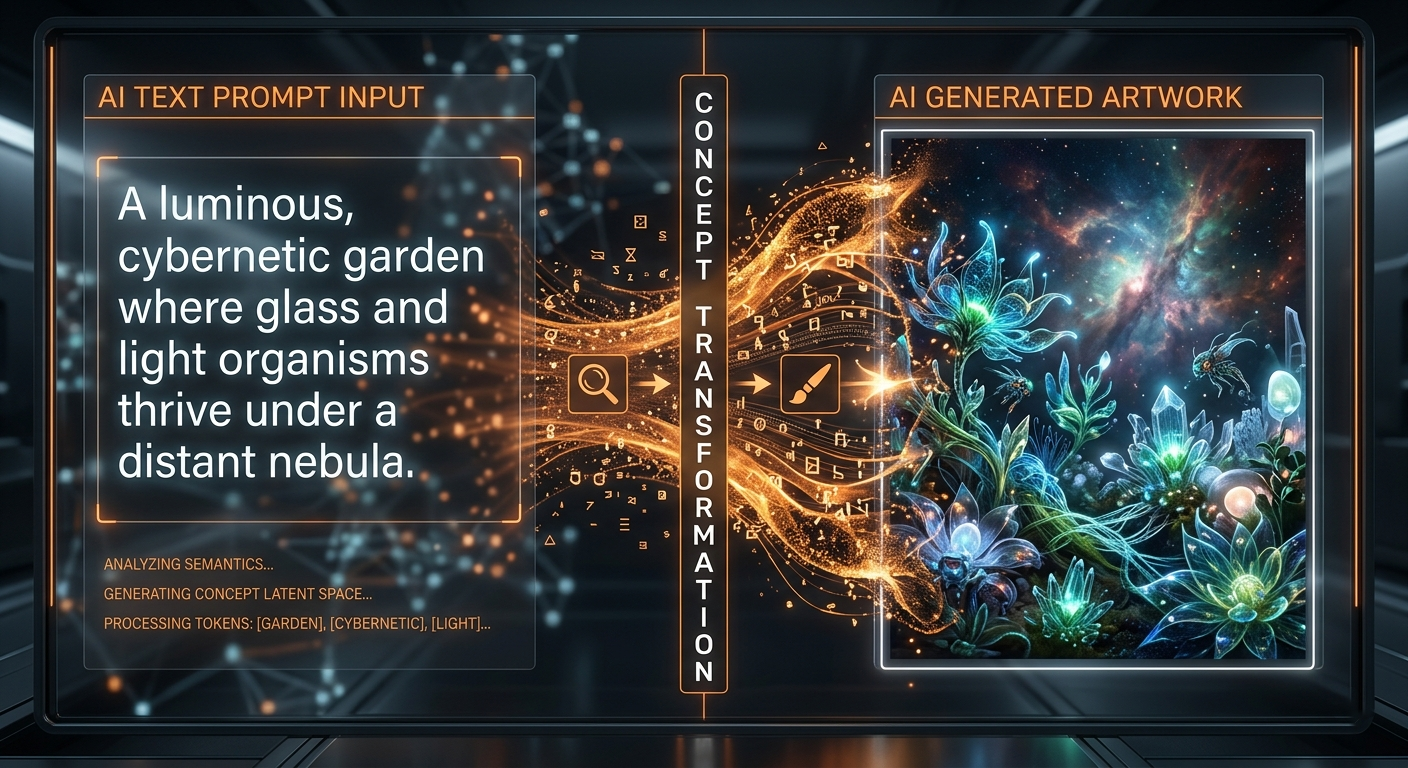
What is AI Image Generation?
AI image generation uses advanced machine learning models to turn text into stunning visuals. Simply describe what you imagine — and AI will bring it to life in seconds.
From realistic photos to digital art, the possibilities are endless.
No design skills required. Just your imagination.
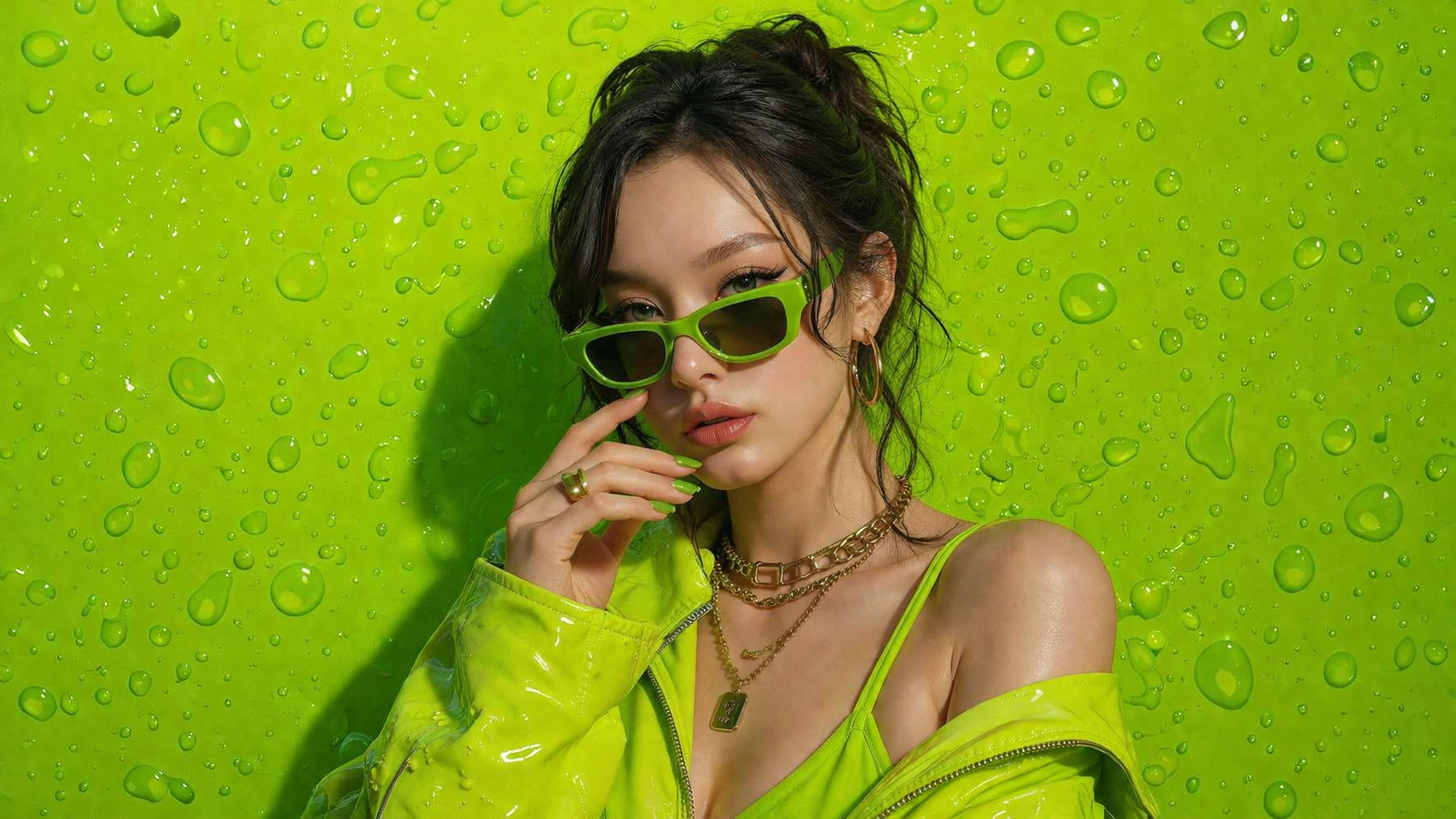
Grok Imagine Workspace
Use Grok Imagine Image when you are still exploring style territory and want broader visual diversity from each prompt cycle.
Strong for early-stage ideation where quantity and variety matter.
Shift art direction quickly without rebuilding your full workflow.
Useful for rapid concept sessions, mood board generation, and art tests.
Create many visual options quickly when exploring campaign aesthetics.
Test contrasting art directions for films, games, and brand projects.
Produce stylized assets for channels that reward visual novelty.
Step 1
Define subject, environment, and overall tone.
Step 2
Ask for alternate treatments, lighting, and rendering approaches.
Step 3
Pick your strongest direction and polish details for output.
Generate three visual treatments of the same city alley: dreamy pastel dusk, neon cyberpunk night, and clean cinematic realism.
Transform this concept into a bold graphic poster style with exaggerated perspective, dramatic shadows, and vivid color blocking.
Keep the core subject recognizable but reinterpret the scene in a surreal high-fashion editorial style with atmospheric depth.
It is best for creative exploration, broad style variation, and iterative prompt-led ideation.
It is usually stronger for exploration and concept divergence than strict consistency workflows.
Creators, concept artists, and teams that need many visual directions before finalizing one.