Stronger prompt precision
Handle more specific instructions when composition, styling, and details need to stay aligned.
AI Art Model
Best for detailed prompts, stronger control, and more directed image output.
Pick a style lane, then tune your prompt from there.
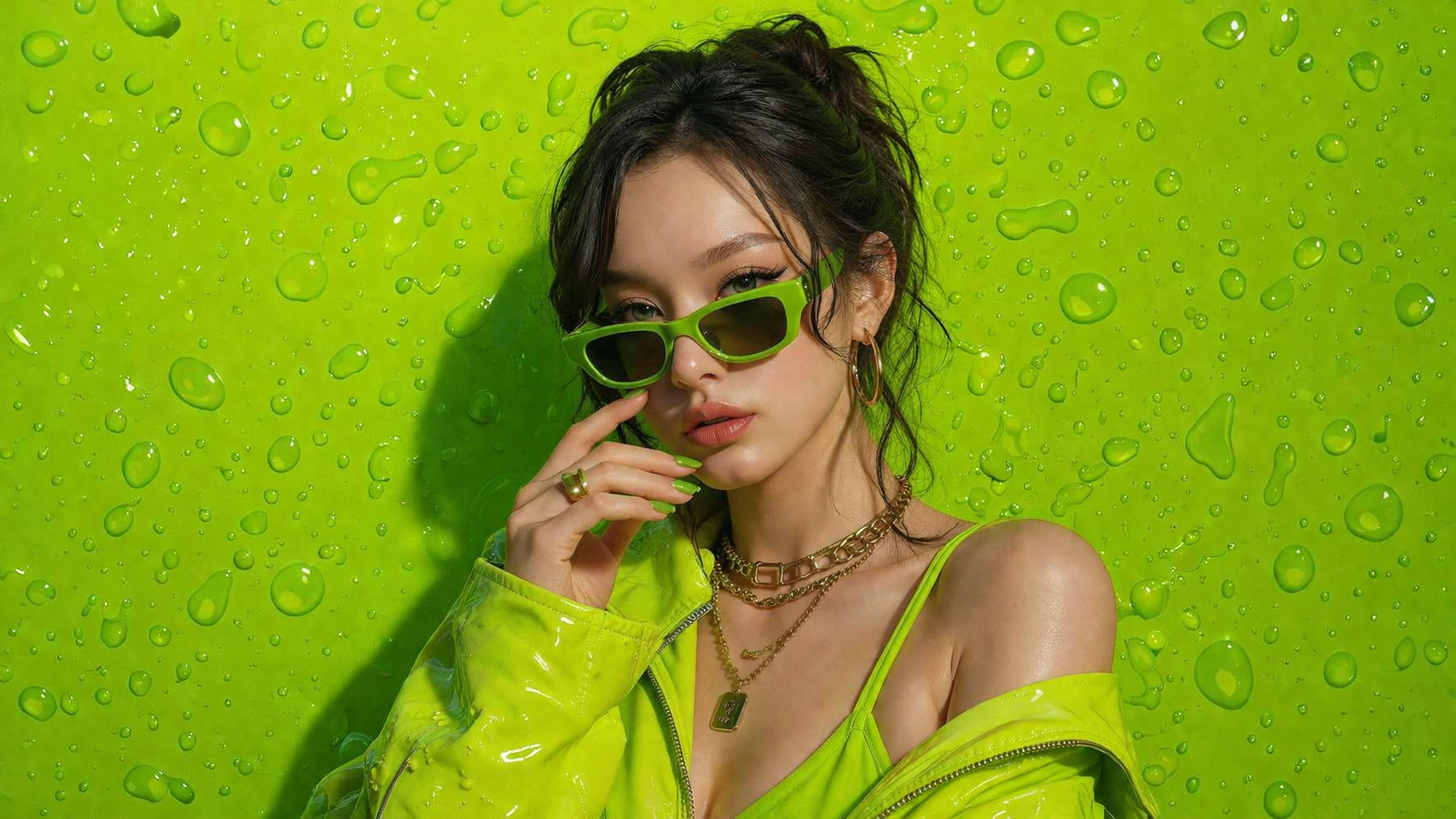
No design skills. No complicated tools. Just type, click, and create high-quality AI images instantly.
Join thousands of creators already using Orange Cat AI
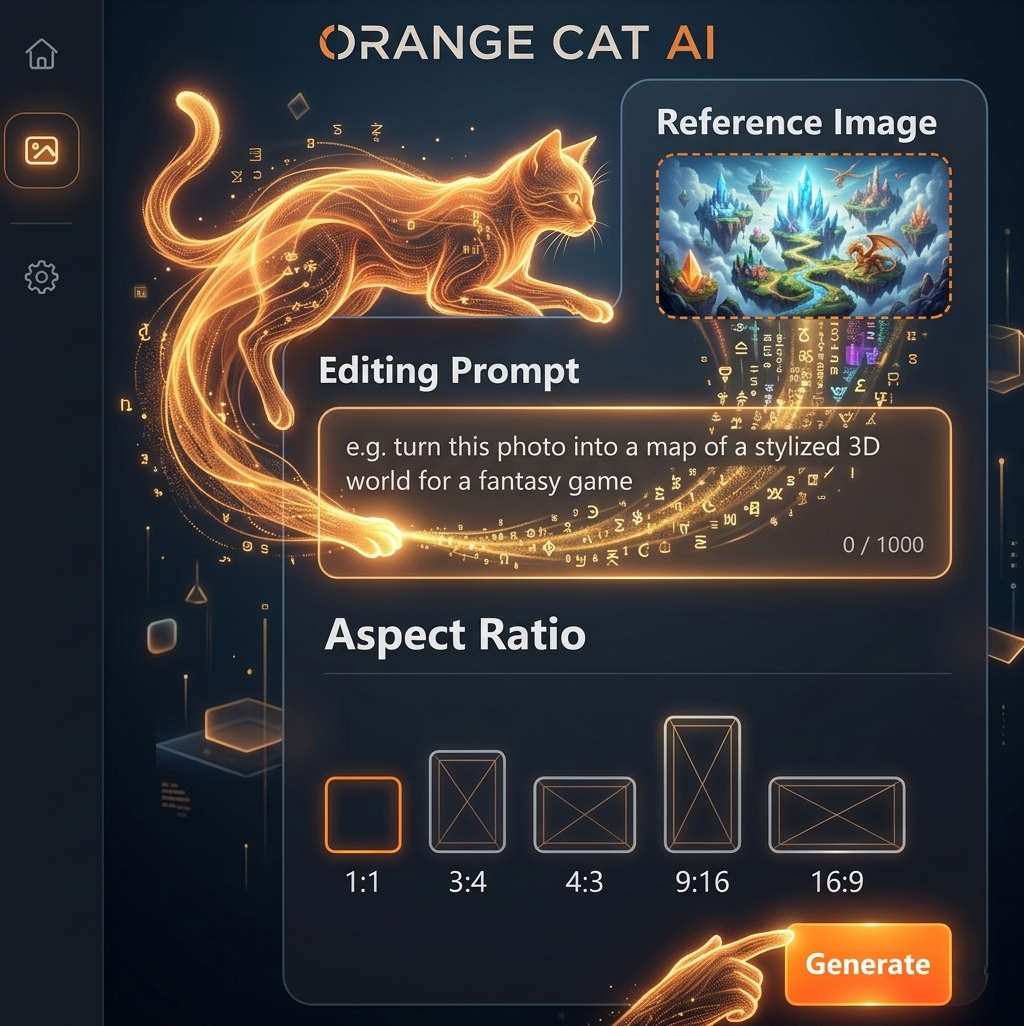
Spending hours designing from scratch
Switching between multiple tools
Paying expensive designers
Orange Cat AI changes everything.
With just a simple prompt, you can generate professional-quality images in seconds — no experience needed.
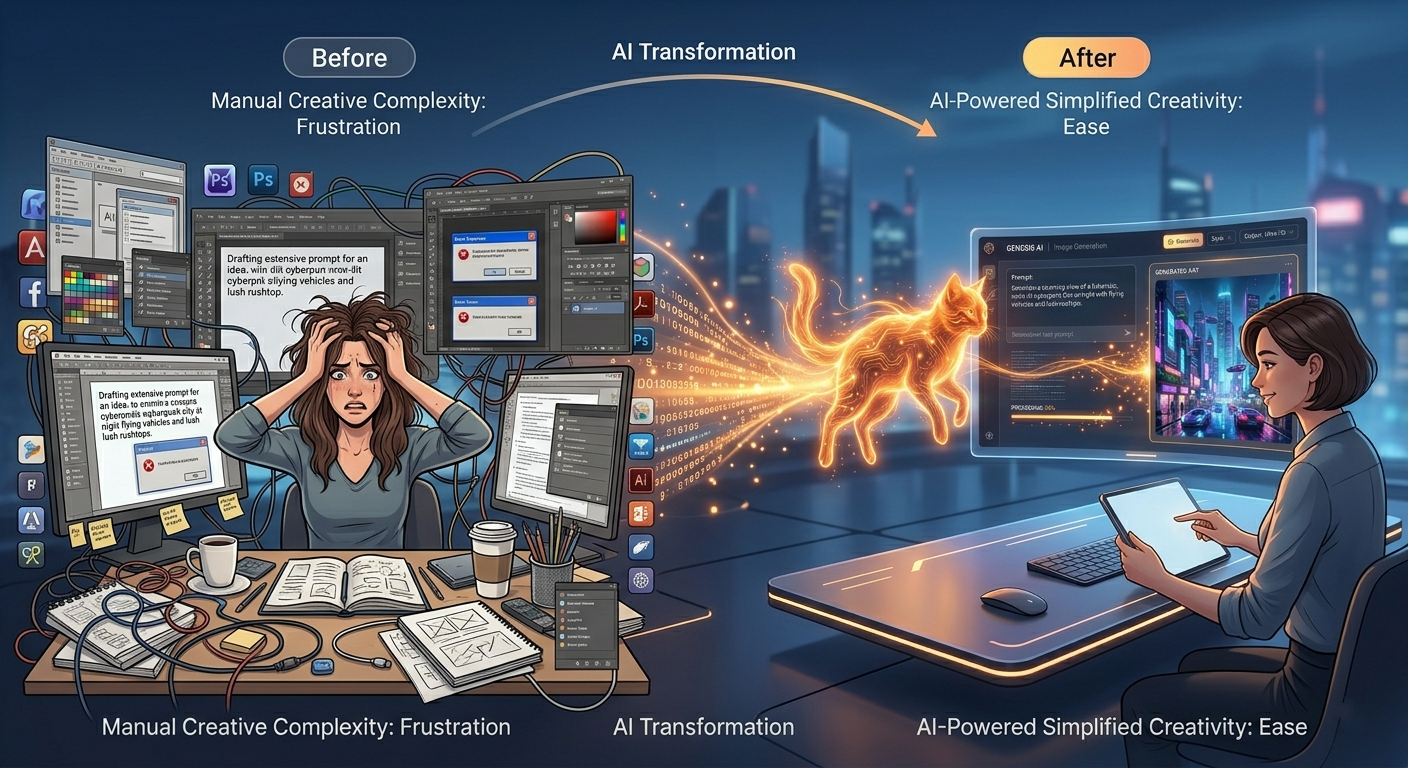
AI Image Generation
AI image generation uses advanced machine learning models to turn text into stunning visuals. Simply describe what you imagine — and AI will bring it to life in seconds.
From realistic photos to digital art, the possibilities are endless.
No design skills required. Just your imagination.
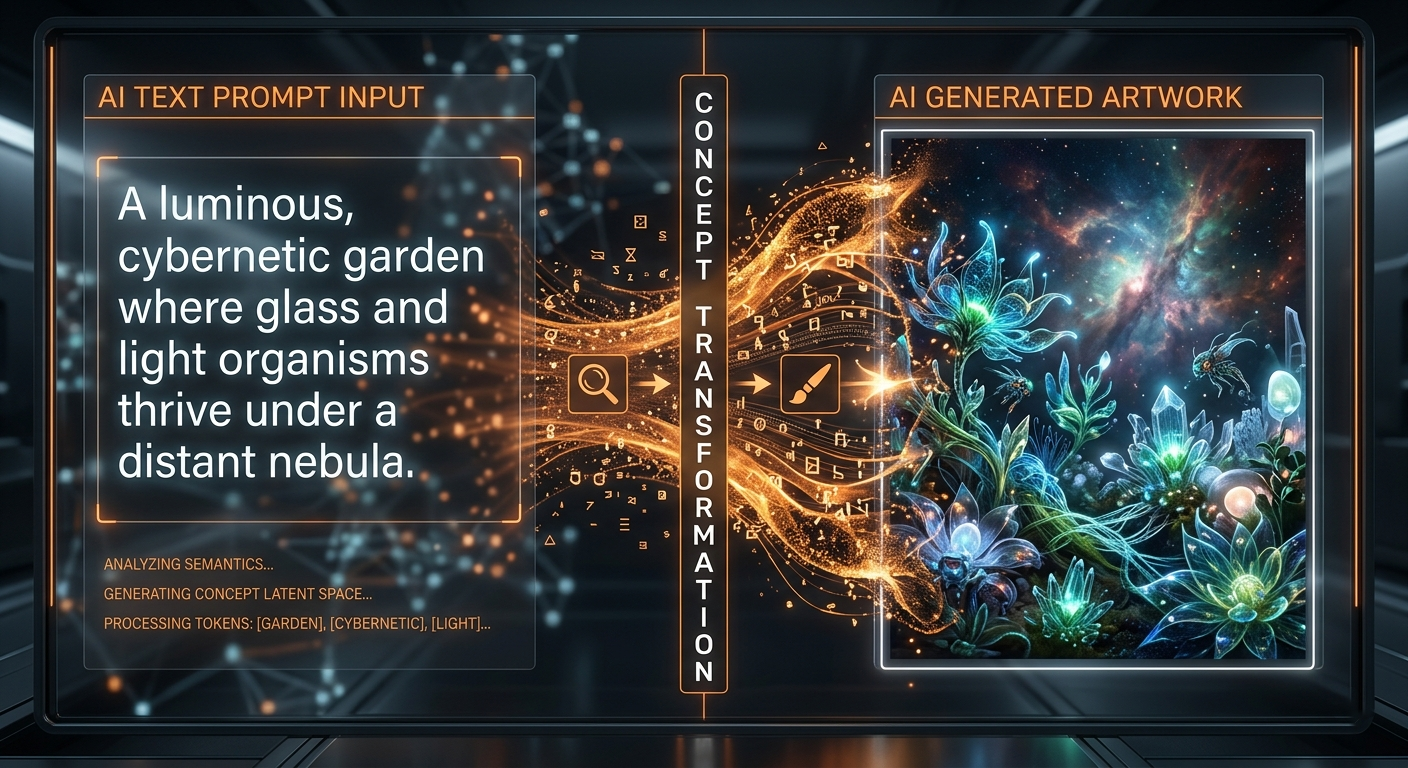
Seedream 5.0 Workspace
Use Seedream 5.0 when you want tighter prompt control, more directed outputs, and a model that handles denser creative instructions with better discipline.
Handle more specific instructions when composition, styling, and details need to stay aligned.
Useful when you already know the visual target and want the model to stay closer to brief.
A good option for posters, concept frames, brand visuals, and prompts with multiple constraints.
Useful when a brief includes more constraints around composition, styling, lighting, and specific scene requirements.
A good option for more directed visuals where the final image needs to align closely with a concept or layout target.
Better suited for users who want to shape the result with more explicit instructions and smaller prompt refinements.
Step 1
Include the scene, styling, camera feel, composition, and details you want to control.
Step 2
Refine the wording to push the model closer to your intended structure and visual tone.
Step 3
Adjust the prompt in smaller steps until the final image matches the brief more closely.
Create a premium beverage poster: centered bottle, reflective black surface, dramatic rim light, amber highlights, shallow depth of field, luxury advertising style.
Design a clean hero image for a skincare launch with soft daylight, white stone textures, restrained palette, and balanced negative space for headline copy.
Generate a futuristic transit hub interior with layered perspective, clear wayfinding, glossy materials, cinematic blue-orange lighting, and realistic crowd scale.
Seedream 5.0 is best for detailed prompts, directed outputs, and projects where composition and prompt discipline matter more.
It is a better match when you already know the target image and want the model to stay closer to layered instructions and constraints.
It fits art directors, brand teams, and advanced creators who need more control over the final image structure and tone.