


Stronger prompt precision
Handle more specific instructions when composition, styling, and details need to stay aligned.
AI Art Model
Best for detailed prompts, stronger control, and more directed image output.
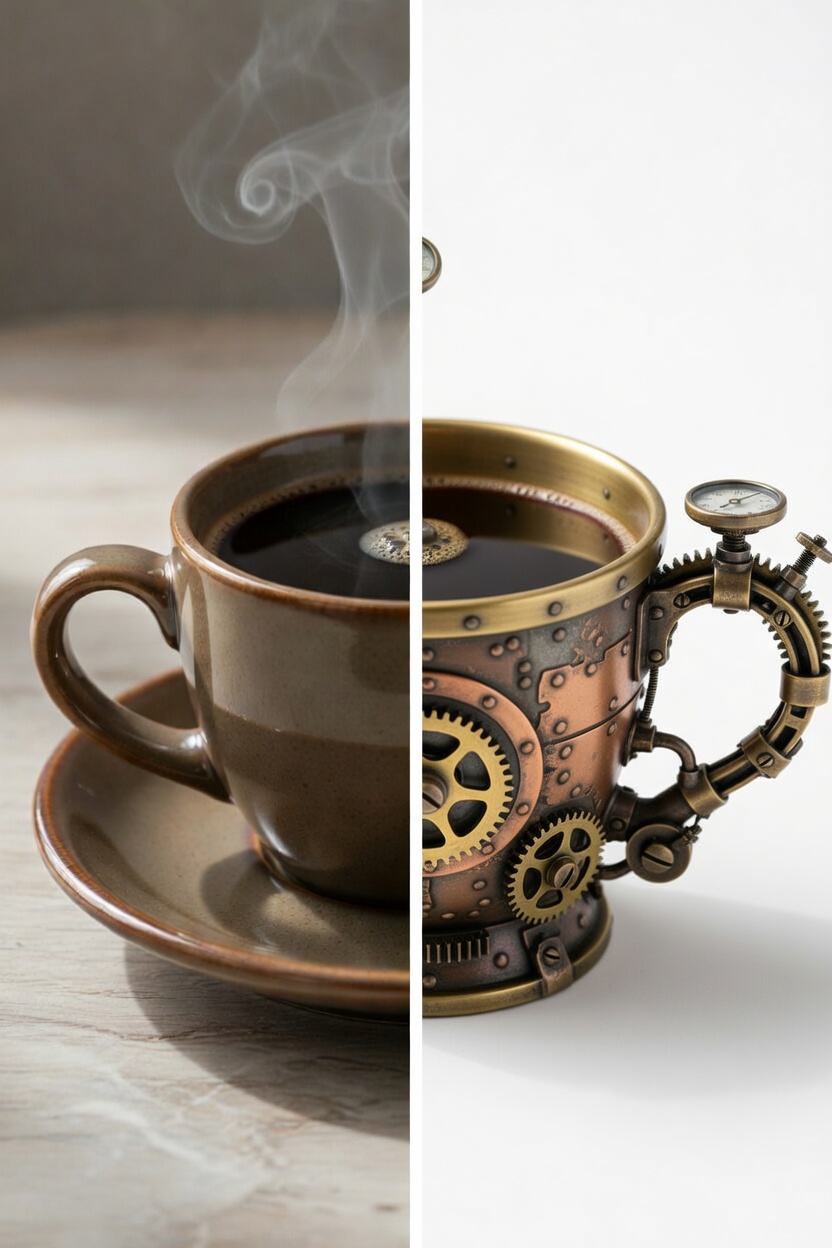
Prompt to AI result
A simple idea transformed into a stylized output
Seedream 5.0 Workspace
Use Seedream 5.0 when you want tighter prompt control, more directed outputs, and a model that handles denser creative instructions with better discipline.
Handle more specific instructions when composition, styling, and details need to stay aligned.
Useful when you already know the visual target and want the model to stay closer to brief.
A good option for posters, concept frames, brand visuals, and prompts with multiple constraints.
Step 1
Include the scene, styling, camera feel, composition, and details you want to control.
Step 2
Refine the wording to push the model closer to your intended structure and visual tone.
Step 3
Adjust the prompt in smaller steps until the final image matches the brief more closely.