


Wider style range
Move between bold concepts, stylized looks, and cleaner compositions without changing tools.
AI Art Model
Best for style exploration, creative looks, and simple prompt-based editing.
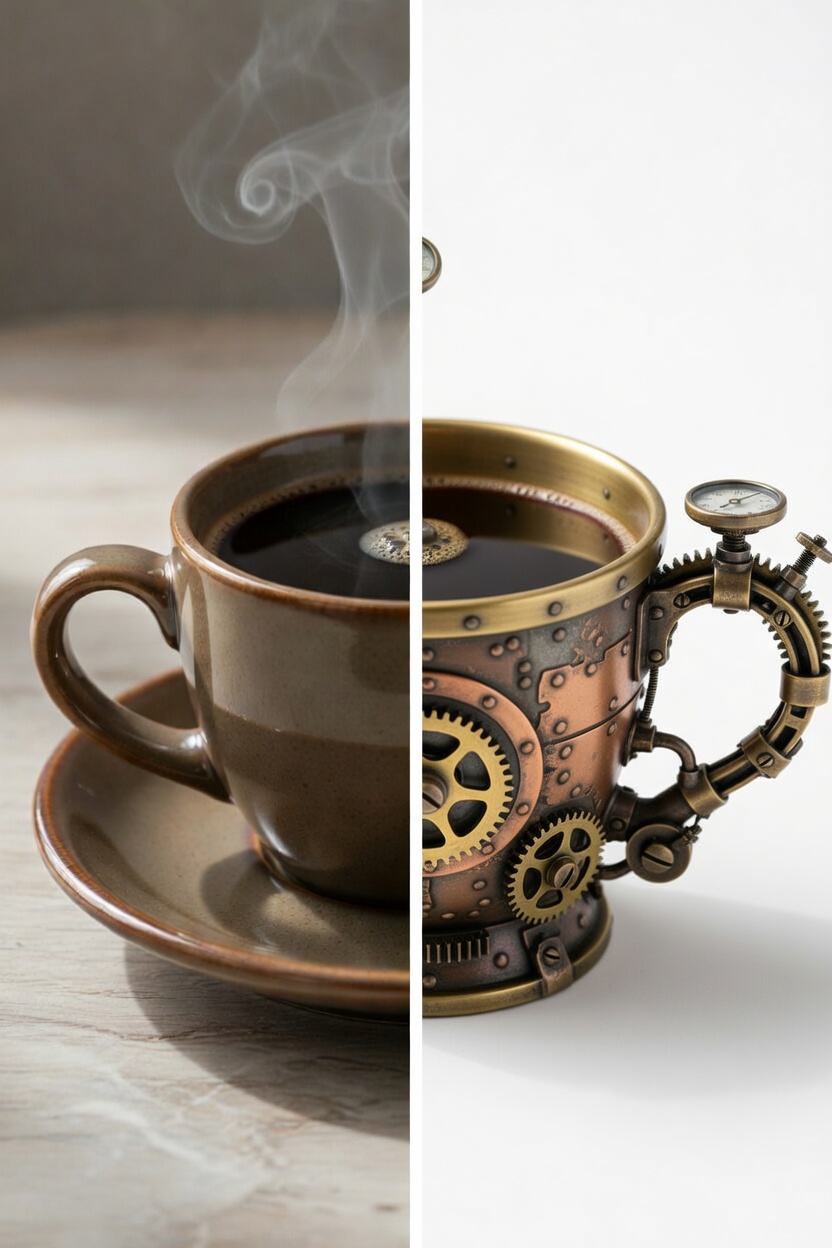
Prompt to AI result
A simple idea transformed into a stylized output
Grok Imagine Workspace
Use Grok Imagine Image when you want broader visual variety, easier prompt-led changes, and a more exploratory workflow for creative concepts.
Move between bold concepts, stylized looks, and cleaner compositions without changing tools.
Try multiple prompt directions quickly when you are still searching for the right visual mood.
Use plain-language prompts to adjust the image direction, iterate on details, and keep momentum while creating.
Step 1
Begin from a concept, rough prompt, or reference image that sets the general direction.
Step 2
Ask for a stronger mood, a different art direction, or cleaner composition in natural language.
Step 3
Compare versions, shift the look, and keep refining until the result matches your creative goal.