Prompt-heavy workflow support
Excellent for prompts with layered constraints and style directives.
AI Art Model
Best for detailed prompts, stronger control, and directed outputs when your visual brief has tight constraints.
Pick a style lane, then tune your prompt from there.
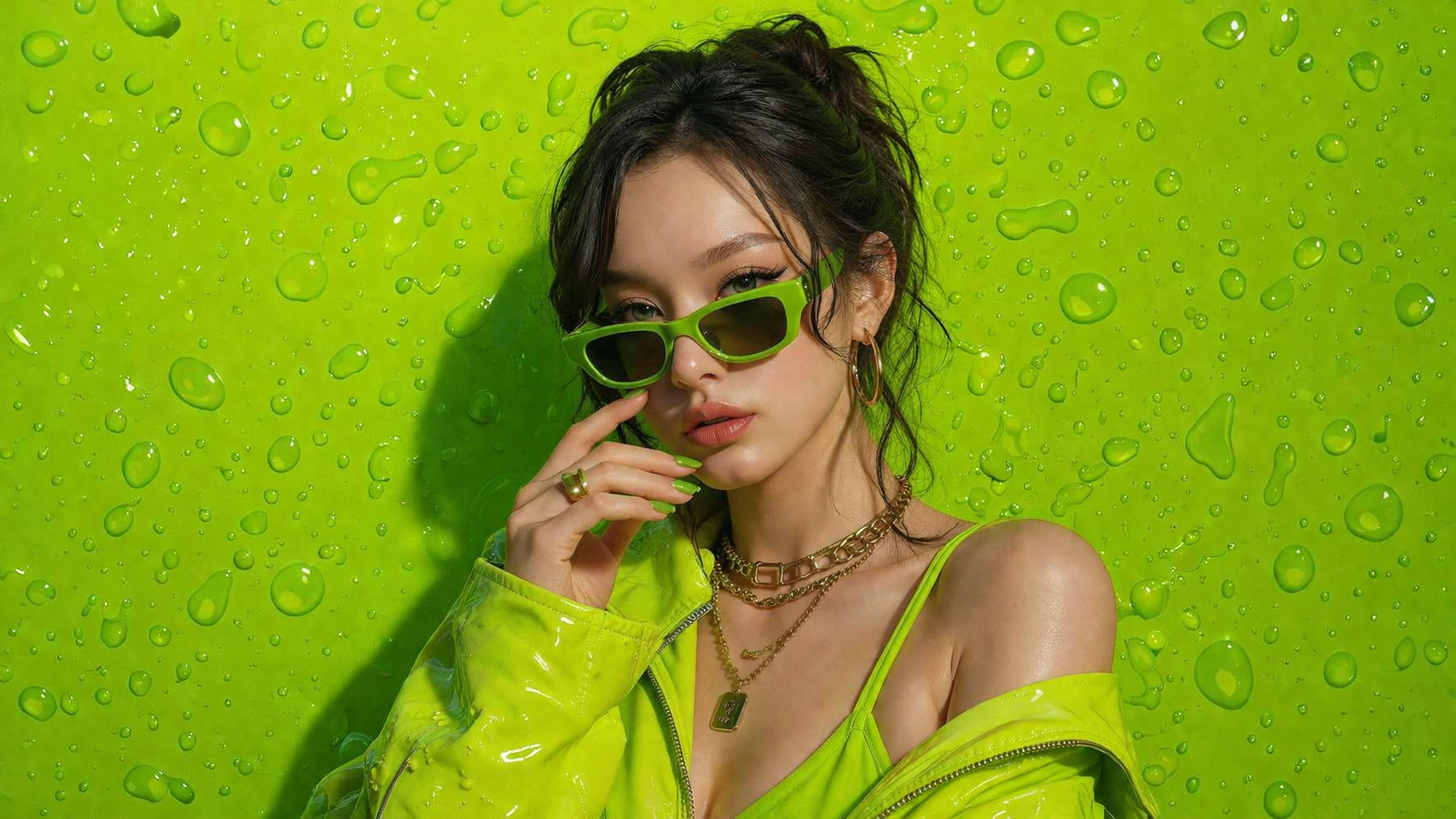
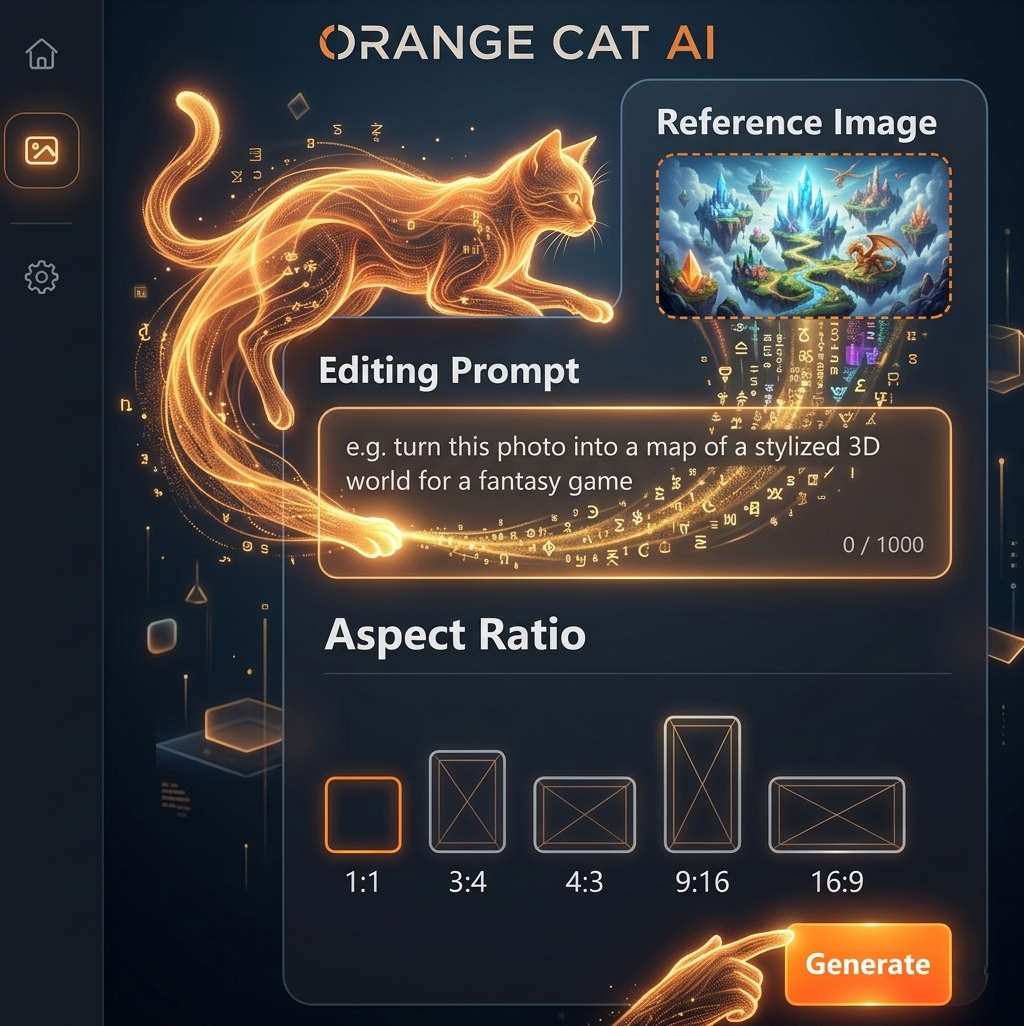
No design skills. No complicated tools. Just type, click, and create high-quality AI images instantly.
Join thousands of creators already using Orange Cat AI
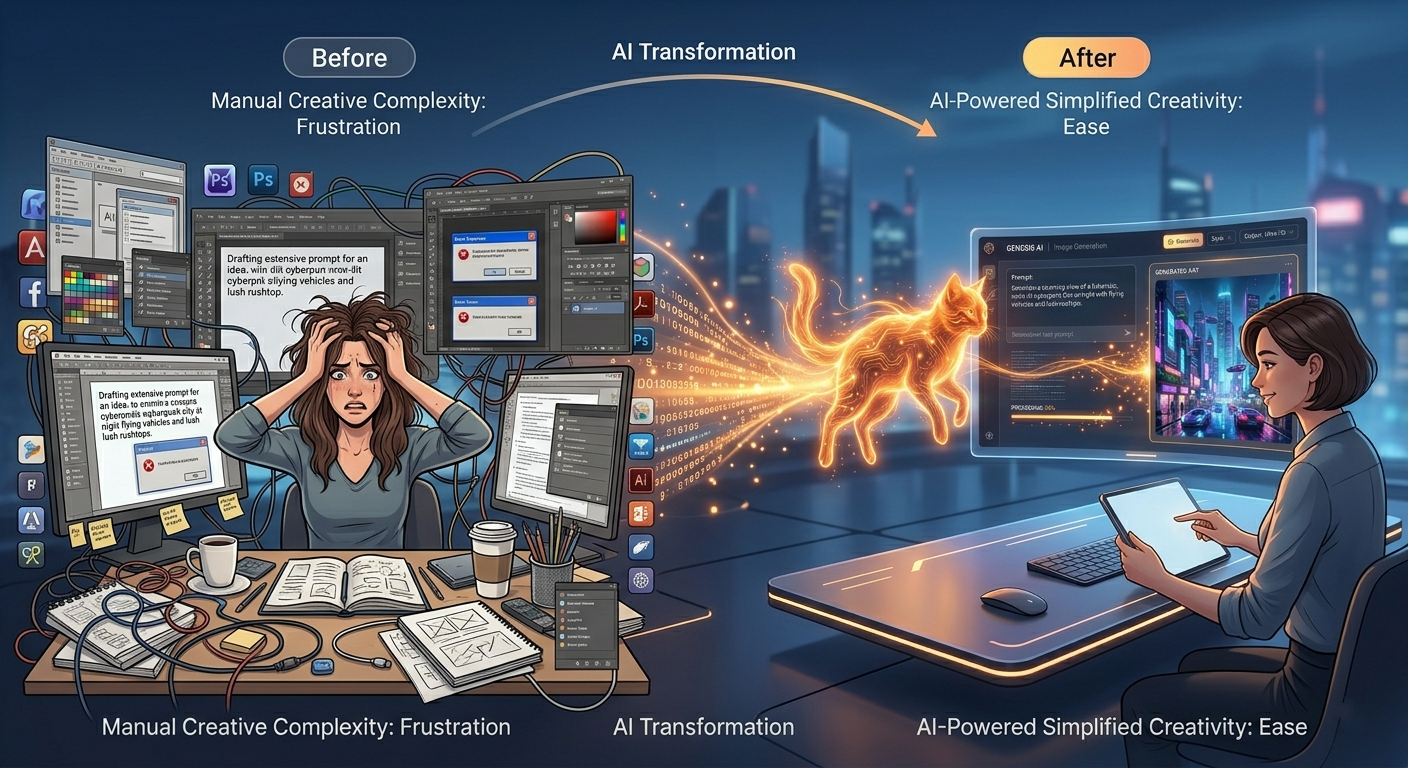
Spending hours designing from scratch
Switching between multiple tools
Paying expensive designers
Orange Cat AI changes everything.
With just a simple prompt, you can generate professional-quality images in seconds — no experience needed.
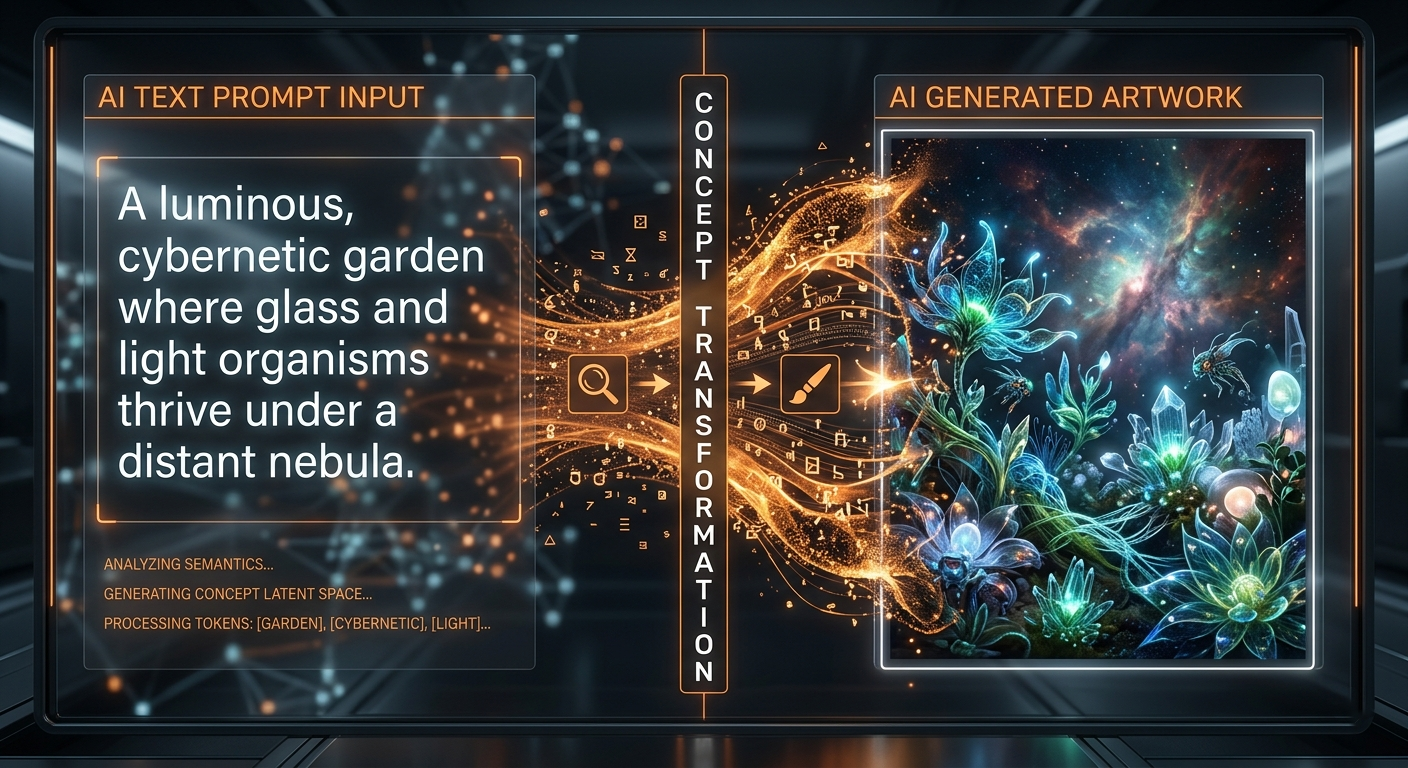
AI Image Generation
AI image generation uses advanced machine learning models to turn text into stunning visuals. Simply describe what you imagine — and AI will bring it to life in seconds.
From realistic photos to digital art, the possibilities are endless.
No design skills required. Just your imagination.
Seedance 2.0 Workspace
Seedance 2.0 fits advanced prompt workflows where scene structure and detail quality must stay tightly aligned.
Excellent for prompts with layered constraints and style directives.
Useful when the visual target is known and precision matters more than exploration.
A good fit for campaigns that move from draft ideation to approved key art.
Create controlled visual narratives for ad and launch planning.
Generate layout-aware compositions with stronger detail stability.
Ideal for users who want precise prompt control and predictable outcomes.
Step 1
Describe structure, style, materials, and output expectations.
Step 2
Compare alternatives that all respect your core constraints.
Step 3
Polish the best candidate into a production-ready final asset.
Design a luxury watch hero image, centered composition, glossy black background, controlled reflections, subtle rim lighting, premium advertising aesthetic.
Create a futuristic transit hub interior with layered perspective, clear wayfinding, polished materials, realistic crowd scale, and cinematic blue-orange lighting.
Generate a minimalist fashion poster with strict grid composition, bold typography placeholder area, monochrome palette, and high-contrast studio lighting.
It is best for detailed prompts and projects that require tighter output control.
Choose it when your brief has strict constraints and you want the model to stay close to them.
Art directors, brand teams, and advanced creators working with precise visual specifications.