Exploration-first output
Strong for early-stage ideation where quantity and variety matter.
Modelo de IA
Best for style exploration, creative divergence, and prompt-led iteration when you need broad visual variety.
Elige un estilo y luego ajusta tu prompt a partir de ahí.
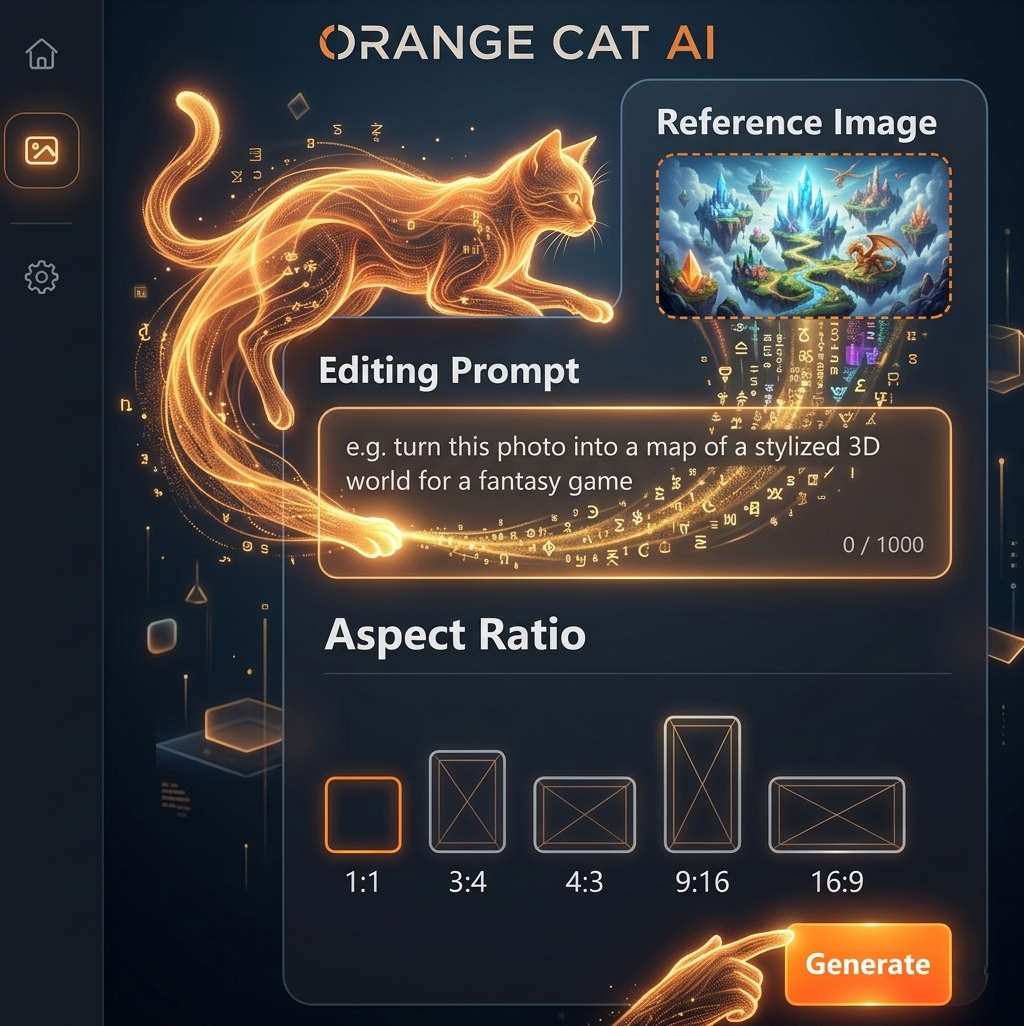
Usa el editor de imágenes con IA para crear resultados impresionantes en segundos: sube, elige un modelo, prueba plantillas o estilos, edita en una sola página y exporta gratis.
Únete a miles de creadores que ya usan Orange Cat AI
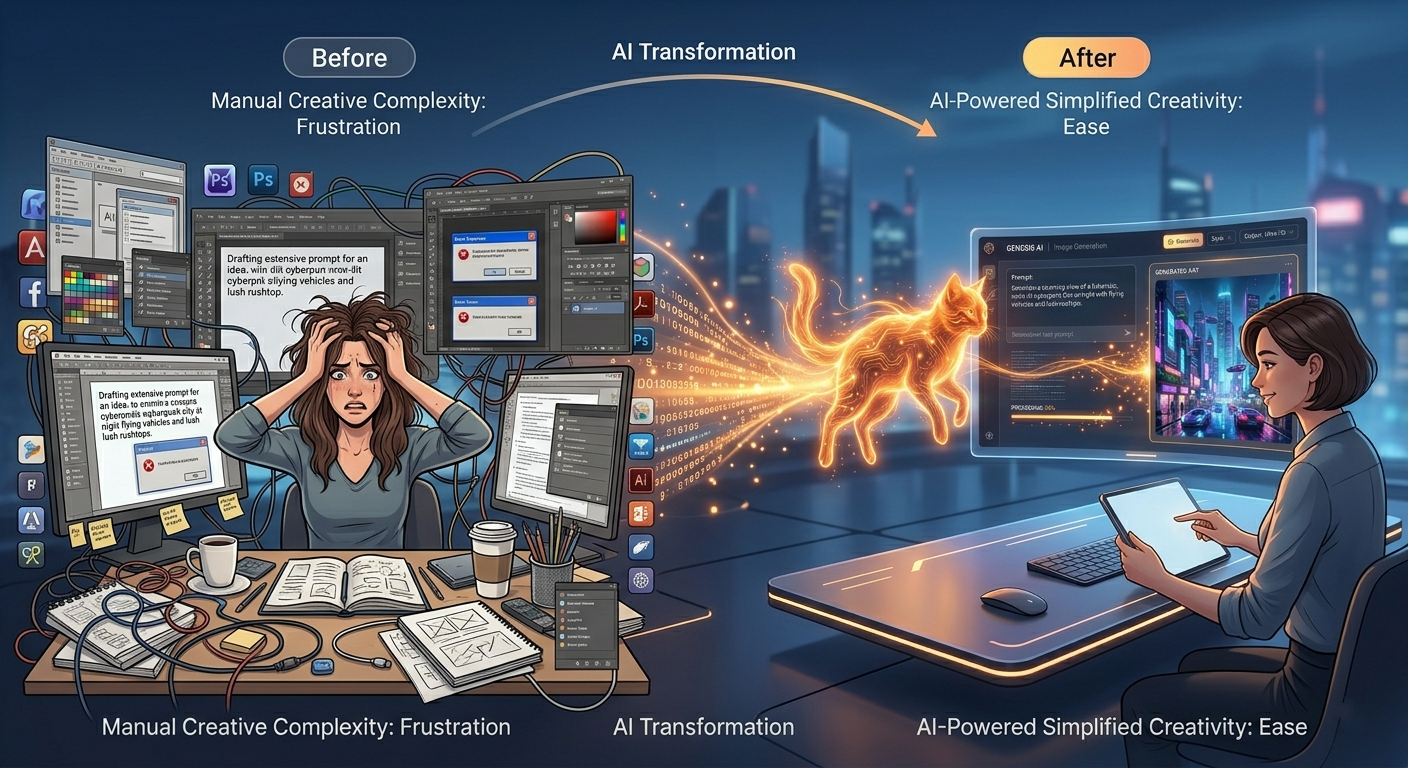
Pasar horas diseñando desde cero
Cambiar entre múltiples herramientas
Pagar diseñadores costosos
Orange Cat AI lo cambia todo.
Con solo un prompt sencillo, puedes generar imágenes de calidad profesional en segundos, sin necesidad de experiencia.
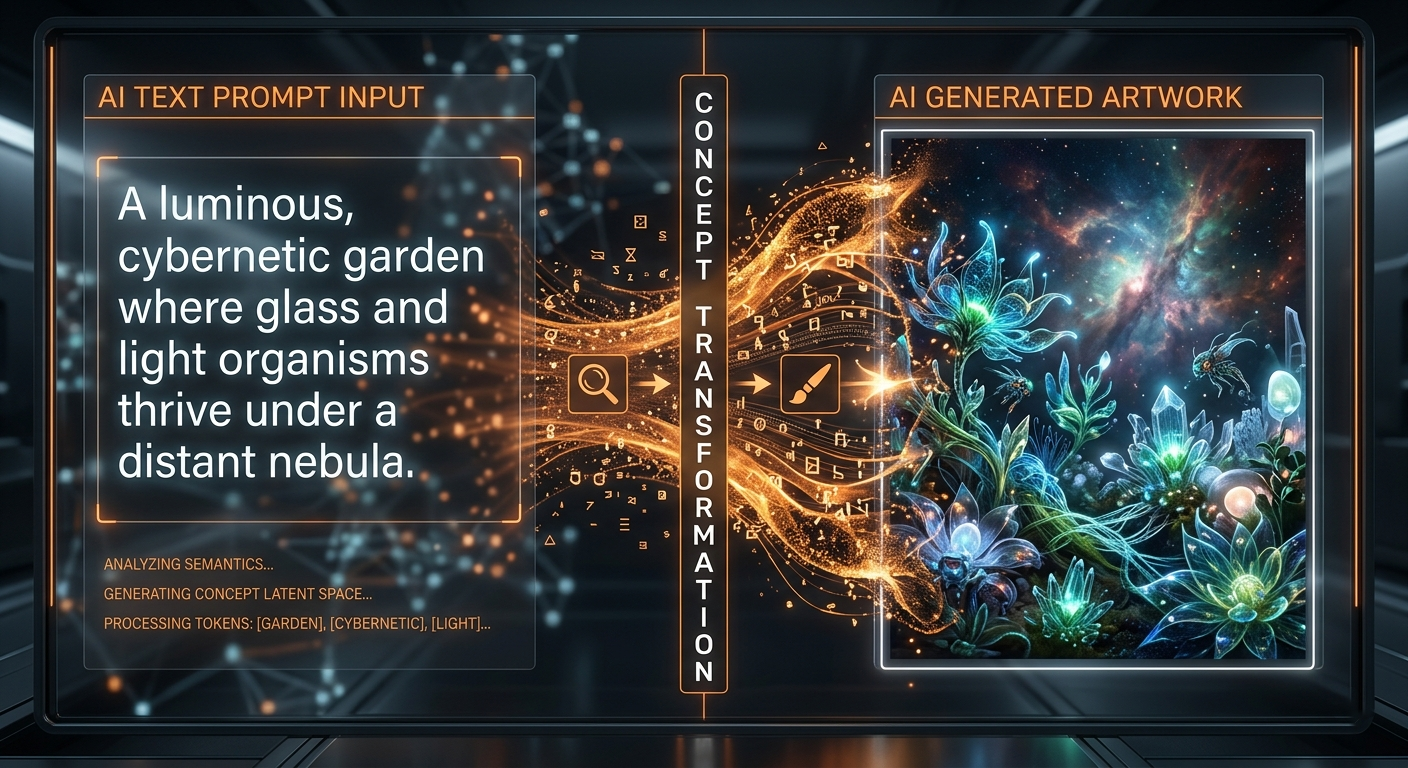
¿Qué es la Generación de Imágenes con IA?
La generación de imágenes con IA utiliza modelos avanzados de aprendizaje automático para convertir texto en imágenes impresionantes. Simplemente describe lo que imaginas y la IA lo hará realidad en segundos.
Desde fotos realistas hasta arte digital, las posibilidades son infinitas.
No necesitas habilidades de diseño. Solo tu imaginación.
Grok Imagine Workspace
Use Grok Imagine Image when you are still exploring style territory and want broader visual diversity from each prompt cycle.
Strong for early-stage ideation where quantity and variety matter.
Shift art direction quickly without rebuilding your full workflow.
Useful for rapid concept sessions, mood board generation, and art tests.
Create many visual options quickly when exploring campaign aesthetics.
Test contrasting art directions for films, games, and brand projects.
Produce stylized assets for channels that reward visual novelty.
Paso 1
Define subject, environment, and overall tone.
Paso 2
Ask for alternate treatments, lighting, and rendering approaches.
Paso 3
Pick your strongest direction and polish details for output.
Generate three visual treatments of the same city alley: dreamy pastel dusk, neon cyberpunk night, and clean cinematic realism.
Transform this concept into a bold graphic poster style with exaggerated perspective, dramatic shadows, and vivid color blocking.
Keep the core subject recognizable but reinterpret the scene in a surreal high-fashion editorial style with atmospheric depth.
It is best for creative exploration, broad style variation, and iterative prompt-led ideation.
It is usually stronger for exploration and concept divergence than strict consistency workflows.
Creators, concept artists, and teams that need many visual directions before finalizing one.